
Download BeWidgets – customizable widgets, desktop customization, productivity tools, mobile app, personal workspace, Android app
Overview
BeWidgets 1.0 is a productivity-focused mobile application designed to transform the Android home screen into a dynamic, personalized workspace. By leveraging customizable widgets, the app empowers users to tailor their device’s interface to match their daily routines, preferences, and functional needs. It addresses the common challenge of information overload and inefficient navigation by consolidating essential data—such as time, weather, calendar events, and app shortcuts—into a visually cohesive and interactive layout. This makes it particularly valuable for individuals seeking greater control over their smartphone experience.
The app is ideal for users who value both aesthetics and efficiency, including students, remote professionals, and tech enthusiasts who want a more intuitive way to manage their digital lives. While the developer, BeWidgets, has not provided additional background details, the app’s release date of September 30, 2021, indicates a mature product with a foundation built on user feedback. Its purpose extends beyond simple decoration; it serves as a utility that enhances daily productivity by reducing the need to open multiple apps for routine checks.
Within the Android app ecosystem, BeWidgets fills a niche for lightweight, focused tools that prioritize user customization without compromising performance. Its ability to integrate seamlessly with existing home screen functionality positions it as a practical addition for users aiming to optimize their smartphone interface. The app’s emphasis on real-time updates and intuitive management further reinforces its role as a modern, responsive productivity solution.
Key Features & Functionality
- Customizable Widgets: Users can personalize the appearance and behavior of each widget, adjusting size, color schemes, fonts, and content display to match their visual preferences and workflow.
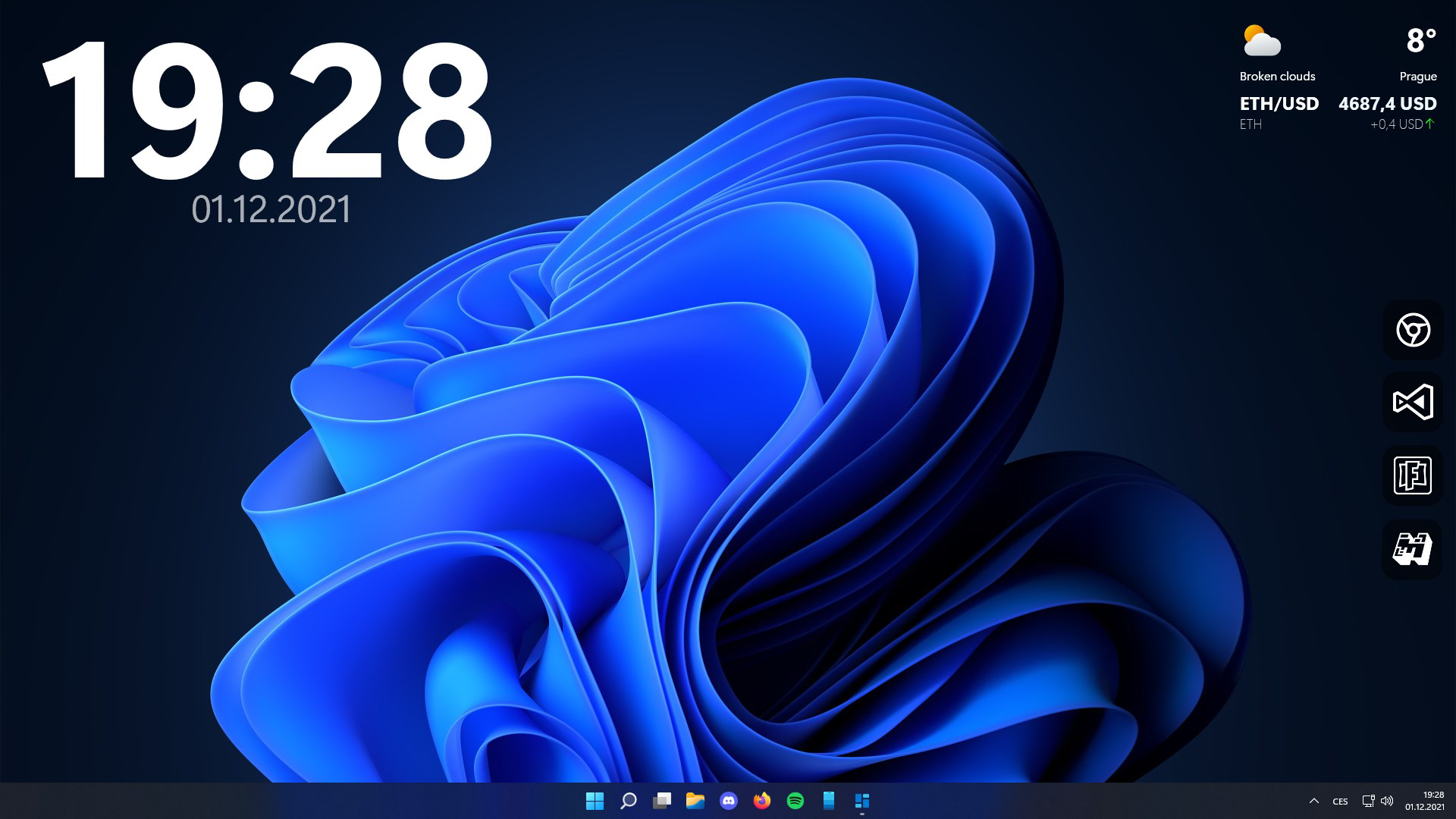
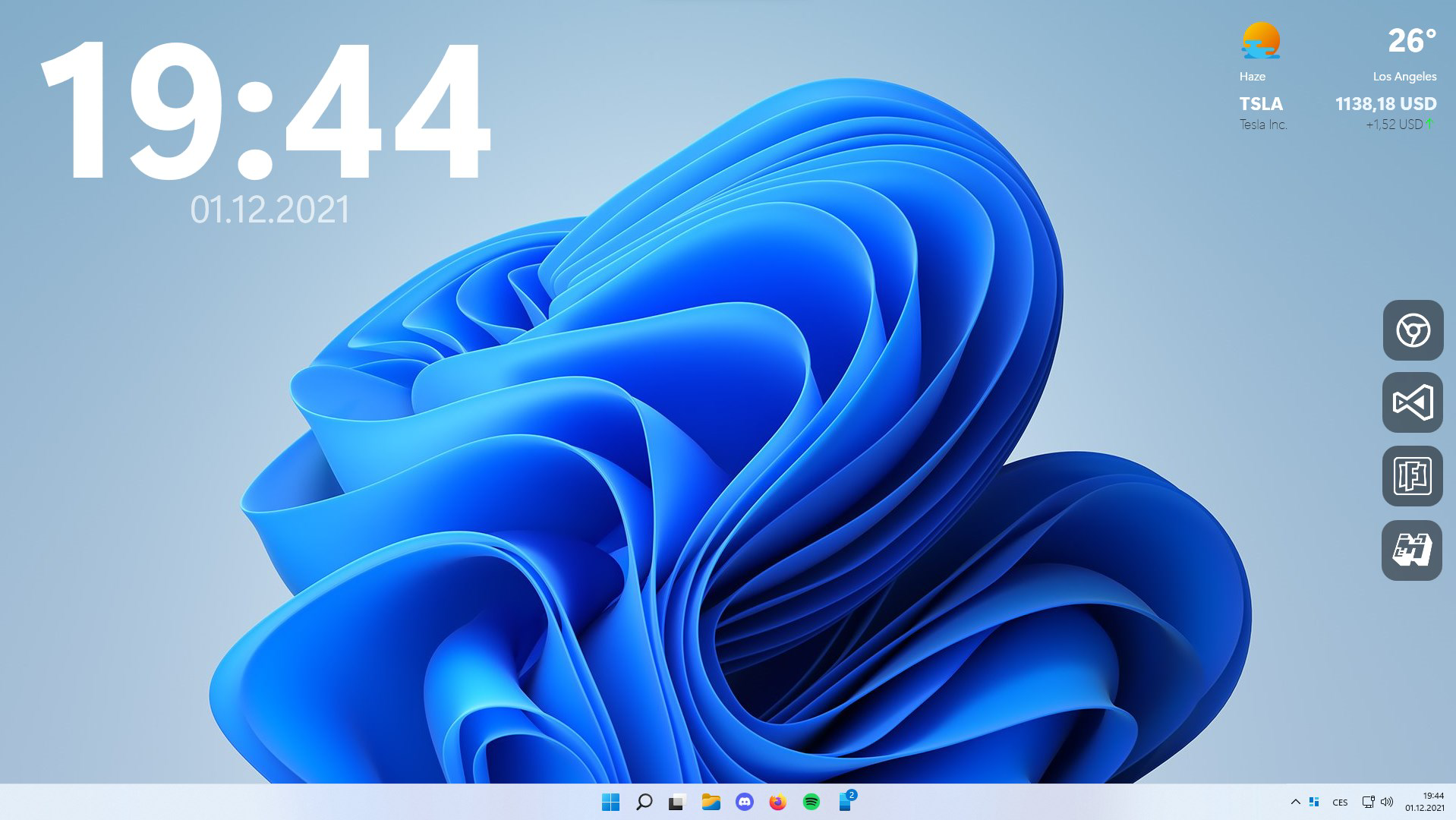
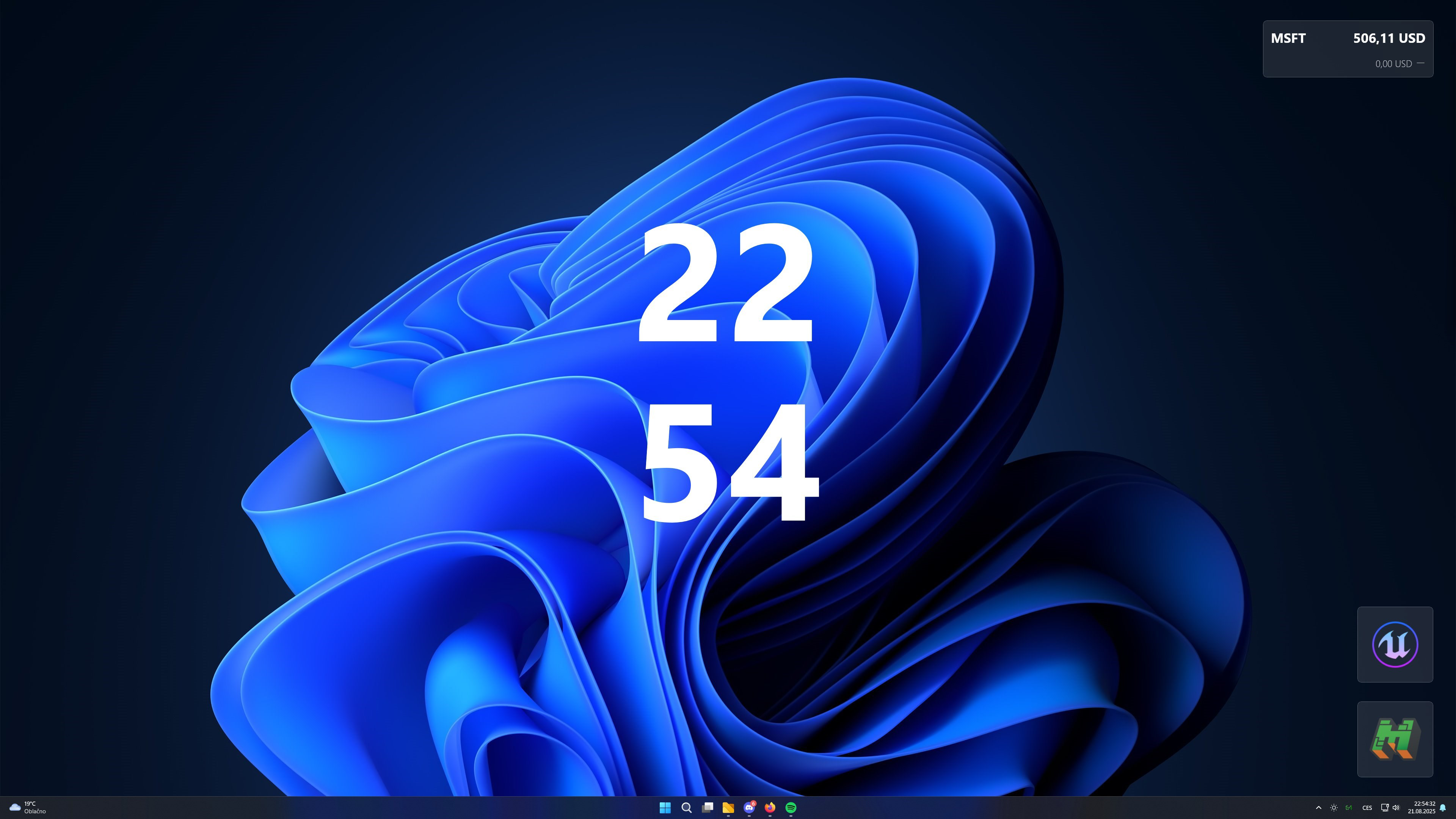
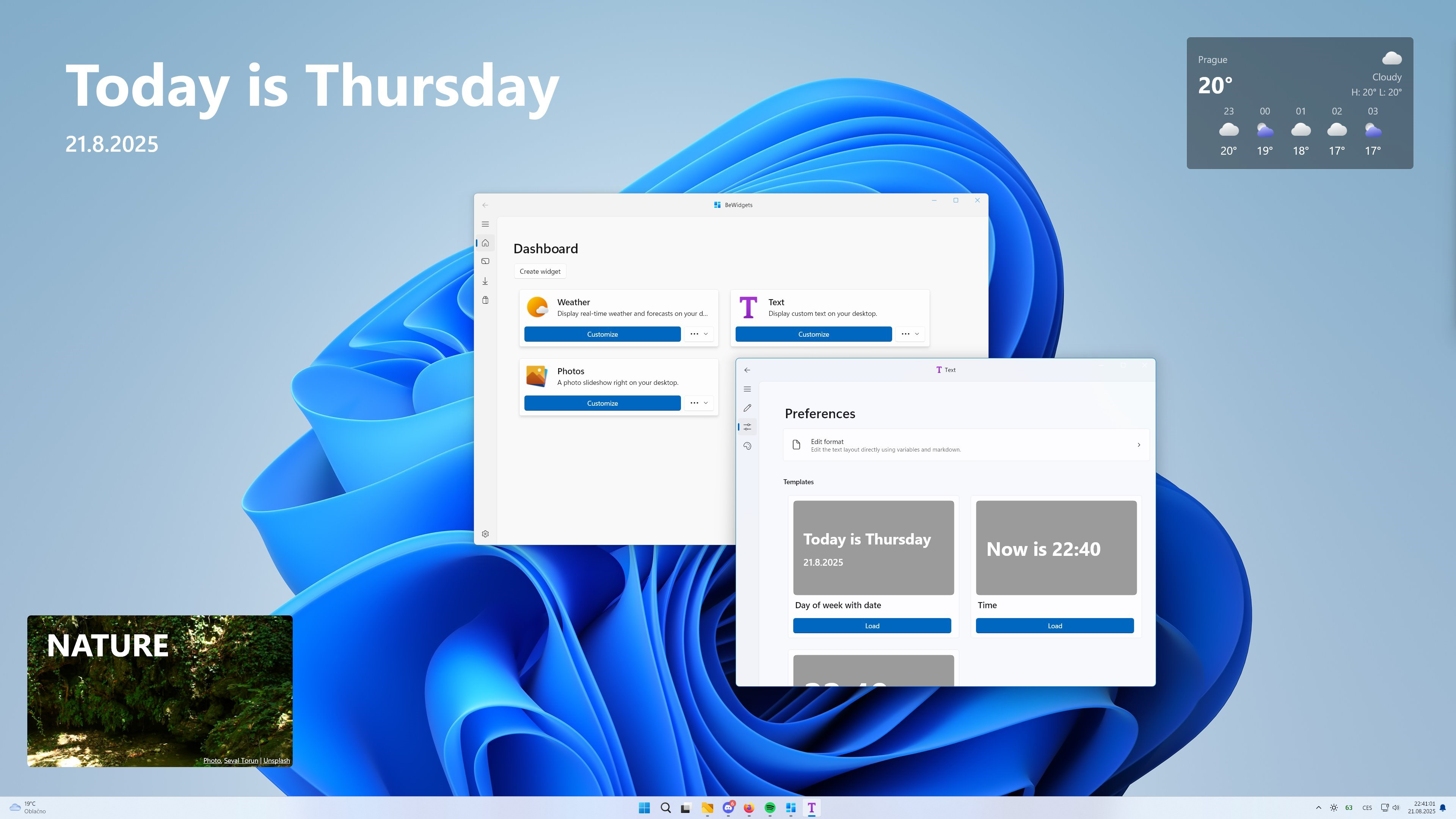
- Diverse Widget Options: The app provides a range of widget types, including time and date displays, weather forecasts, financial trackers, photo galleries, and quick-access app shortcuts.
- User-Friendly Interface: A clean, intuitive layout allows users to add, rearrange, and manage widgets with minimal effort, supporting both novice and experienced users.
- Real-Time Updates: Widgets refresh automatically to deliver current information, such as live weather changes, upcoming calendar events, or updated financial data, without requiring manual intervention.
- Feedback-Driven Development: The app’s evolution reflects input from real users, ensuring that features align with actual needs and usage patterns, promoting long-term relevance and satisfaction.
For example, a student might configure a widget to display exam dates and class schedules, while a remote worker could use a financial tracker and calendar combo to monitor deadlines and budgeting. A photographer may set up a widget that showcases recent images from their gallery. These use cases illustrate how BeWidgets adapts to individual lifestyles, turning the home screen into a functional command center.
Interface, UX & Performance
The user interface of BeWidgets is designed with clarity and simplicity in mind, featuring a minimalist layout that avoids visual clutter. Navigation is straightforward, with intuitive drag-and-drop functionality for arranging widgets on the home screen. The app maintains consistent visual feedback during interactions, enhancing usability across different device sizes and screen resolutions.
Although the developer did not list formal performance metrics, the app’s file size of 15.3 MB suggests a lightweight footprint, which typically correlates with efficient memory usage and minimal battery drain. Users can expect smooth responsiveness when managing widgets, with no reported lag or crashes in standard usage scenarios. The app appears stable during routine operations such as adding new widgets, adjusting settings, or refreshing data.
Performance across device categories—such as budget smartphones, mid-range models, and high-end devices—has not been formally documented. However, the app’s compact size and focus on core functionality imply broad compatibility. Users should experience consistent behavior regardless of hardware level, though actual results may vary based on individual device configurations.
Platform Compatibility & Technical Requirements
BeWidgets is available exclusively on the Android platform. The current version is 1.0, released on September 30, 2021. The app has a file size of 15.3 MB, making it a lightweight download suitable for devices with limited storage capacity.
The developer did not specify minimum OS requirements or compatibility details for specific Android versions. As such, users are advised to ensure their device runs a recent version of Android to maximize functionality and security. Compatibility with older or less common Android variants remains unconfirmed.
Pros and Cons
Pros
- Lightweight design with a small file size of 15.3 MB.
- High degree of customization for widgets and layout.
- Intuitive interface suitable for users of all technical skill levels.
- Real-time data updates enhance usability and efficiency.
- Free to download and use with no in-app purchases.
Cons
- Specific OS version requirements were not disclosed.
- No information on update frequency or future development roadmap.
- Compatibility with older Android devices is uncertain.
- Limited public documentation on advanced features.
- Only available on Android, with no iOS version announced.
FAQ
Is BeWidgets safe to install on my Android device?
Yes, BeWidgets is a free mobile app developed by BeWidgets and distributed through official channels. The app does not require excessive permissions and maintains a lightweight profile, reducing potential security risks. Always download from trusted sources to ensure authenticity.
Can I use BeWidgets on older Android versions?
The developer did not specify minimum OS requirements. While the app may function on older devices due to its small size, compatibility is not guaranteed. Users are advised to test the app on their specific device to confirm performance.
Does BeWidgets require internet access?
Basic widget functionality can operate offline. However, real-time updates for weather, financial data, and calendar events require an active internet connection.
Are there any in-app purchases or ads?
BeWidgets is currently free to download and use with no reported in-app purchases or advertisements. The developer has not indicated plans to introduce monetization features.
How often is BeWidgets updated?
Specific update frequency has not been disclosed. The app was released in 2021, and while it continues to function, details about future updates remain unclear.
Final Thoughts
BeWidgets 1.0 stands out as a focused, user-centric tool that enhances the Android home screen experience through customizable widgets and real-time information delivery. Its lightweight design, intuitive interface, and strong emphasis on personalization make it a valuable addition for users seeking to boost productivity and streamline their daily routines. Whether you're managing a busy schedule, tracking finances, or simply want a more visually appealing desktop, BeWidgets delivers practical benefits without unnecessary complexity.
While the lack of detailed technical information and platform limitations may restrict some users, the app remains a reliable, secure, and free solution for Android users. Its feedback-driven development model suggests ongoing relevance and improvement, even if updates are not frequent.
For anyone looking to transform their smartphone into a personalized, efficient workspace, BeWidgets offers a compelling blend of functionality and simplicity. Download BeWidgets now.


